Runway Visual Range
The Runway Visual Range (RVR) element represents the RVR groups from the METAR report. To include this element in the Preset ATIS template, use the [RVR] variable.
Voice
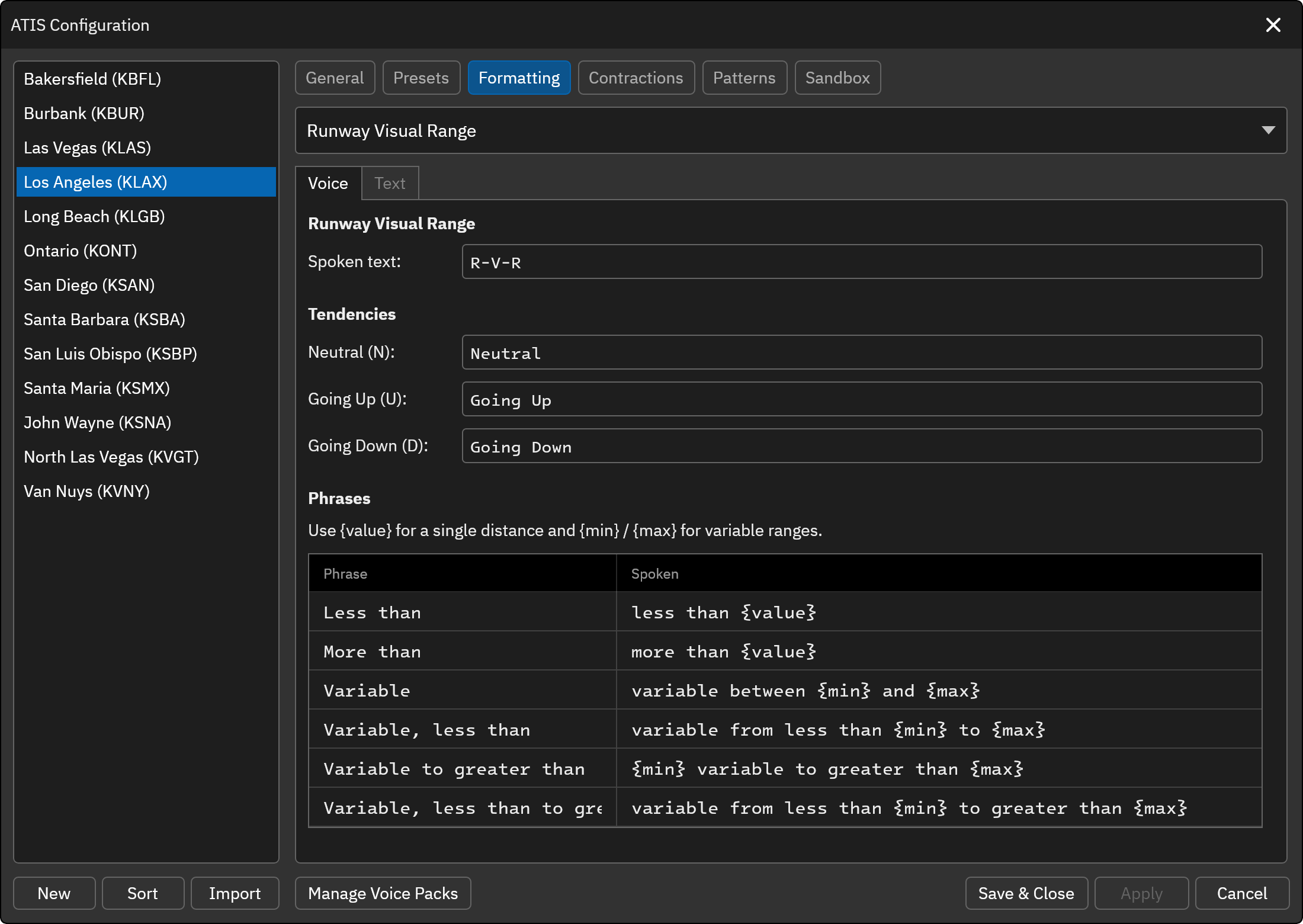
The Voice tab sets how runway visual range is spoken in the voice ATIS.
Runway Visual Range
The text spoken to announce runway visual range (default “R-V-R”). Leave blank to omit the label.
Tendencies
The text spoken for the neutral (N), going up (U) and going down (D) tendencies.
Phrases
Edit the phrases used to read RVR values. Use {value} for a single distance and {min} and {max} for variable ranges. The defaults match the previous wording.
| Phrase | Default |
|---|---|
| Less than | less than {value} |
| More than | more than {value} |
| Variable | variable between {min} and {max} |
| Variable, less than | variable from less than {min} to {max} |
| Variable to greater than | {min} variable to greater than {max} |
| Variable, less than to greater than | variable from less than {min} to greater than {max} |
Text
The Text tab sets what is shown in the text ATIS.
Tendencies
The text shown for each tendency code (N, U, D), independent of the spoken text on the Voice tab. By default the METAR code is shown.