Trend Forecast
The Trend Forecast element represents the TREND forecast at the end of the METAR. To include this element in the Preset ATIS template, use the [TREND] variable. This component is only available for non-FAA ATIS stations.
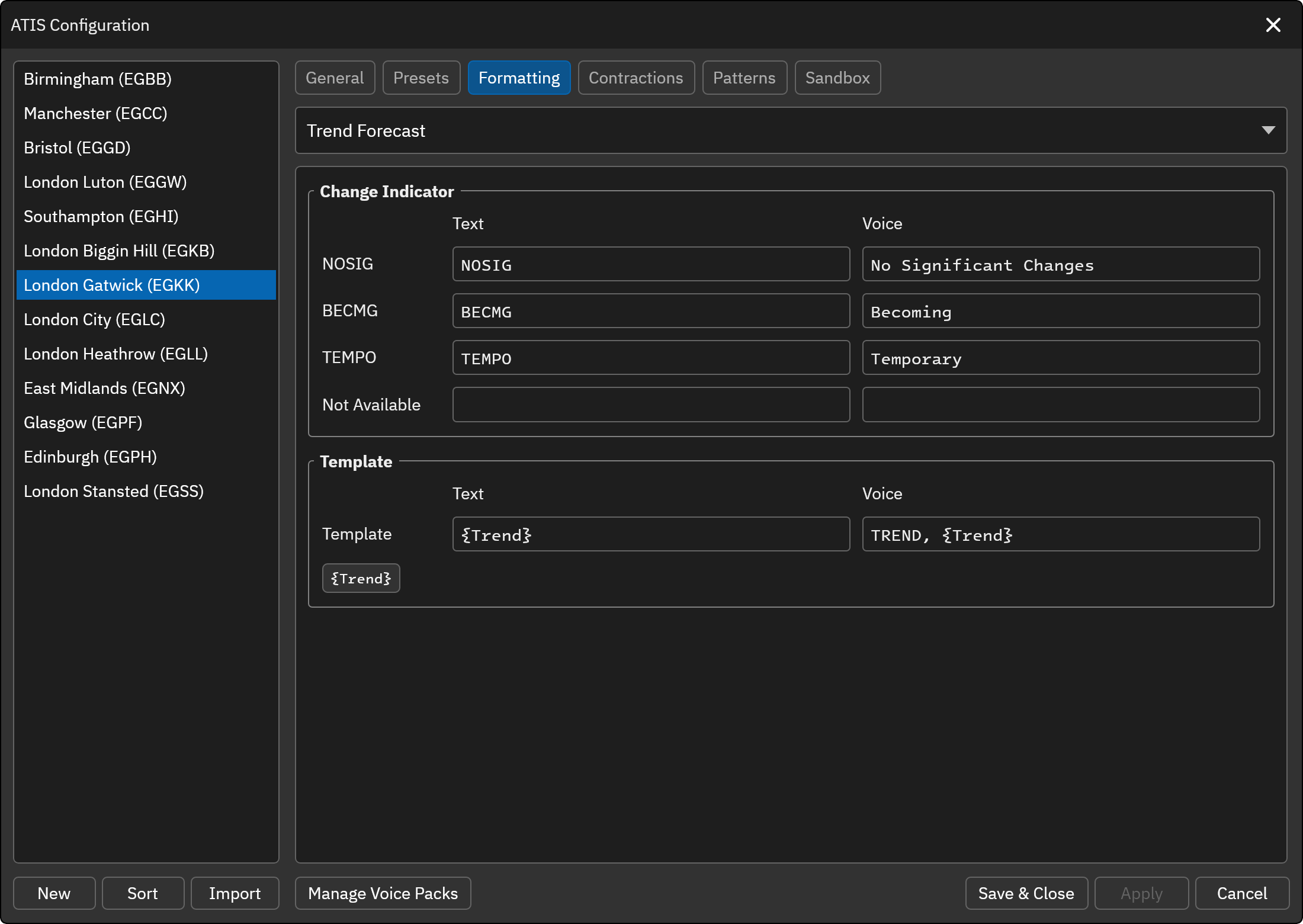
Under Change Indicator, set the text and voice values used for each trend change indicator:
| Indicator | Default text | Default voice |
|---|---|---|
| NOSIG | NOSIG | No Significant Changes |
| BECMG | BECMG | Becoming |
| TEMPO | TEMPO | Temporary |
Not Available is the text to print and/or say when the TREND is not available in the METAR. It is empty by default.
Under Template, set the text and voice templates that wrap the trend forecast. The defaults are:
-
Text:
{Trend} -
Voice:
TREND, {Trend}
{Trend} is replaced by the trend forecast (e.g. NOSIG). The template is only applied when the METAR has a trend forecast, so it does not wrap the Not Available text.